
Subscribe & Thrive for
You & The Earth
- 25% off MSRP on every subscription order
- FREE shipping on all S+T orders $49+
- Reduce packaging and delivery emissions
- Pause, modify, or cancel anytime
- Additional perks with every third shipment

Page 1 of 8
SHOP BY
Health Topics

















Page 1 of 4

Over 30,000 5-Star Reviews
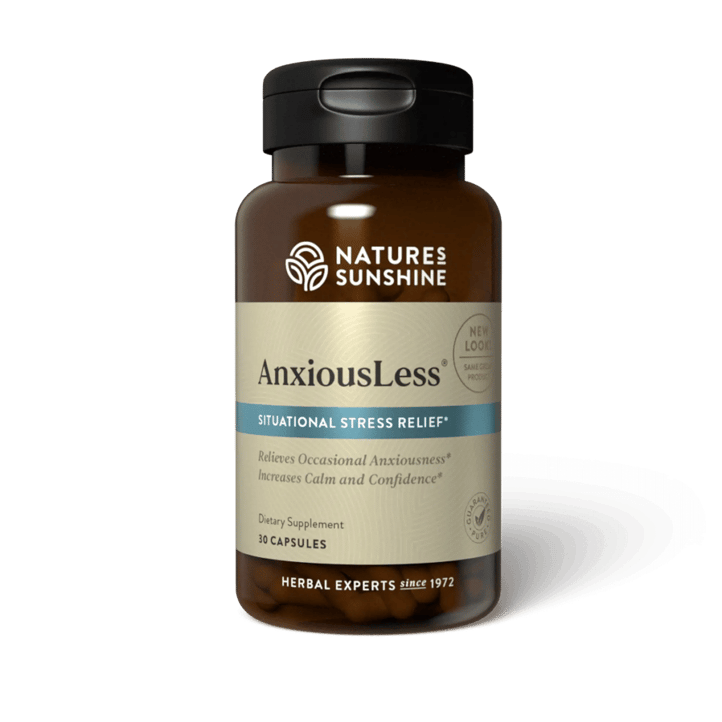
'100 STARS' FOR ANXIOUSLESS®
“If I could give this product 100 stars I would! The times it has saved me have been many and I know I can always count on it to work!"

POWER OF BEETS FOR ME
"I have been taking Nature's Sunshine Power of Beets for several months now. I love the energy this product gives me and I'll always have an extra bag on hand. I don't want to run out.

BOTANICAL BEAUTY BELIEVER
"I didn’t think herbs could make that big a difference. But I noticed my hair feels thicker and stronger with HSN-W. And my nails too. I’m a believer!”
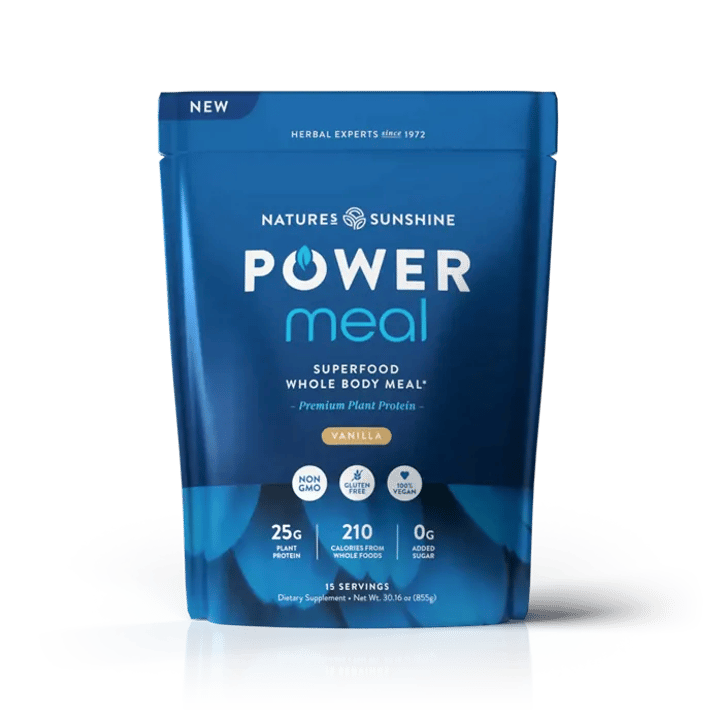
TASTY. POWERFUL. POWER MEAL.
“Its flavor is exquisite. It makes me feel full and my body gets everything I need. I love it”

The Impact Foundation is the heart of Nature's Sunshine. Join us in our mission to tackle global malnutrition and extend the transformative influence of nature's remedies to those who require it most.


